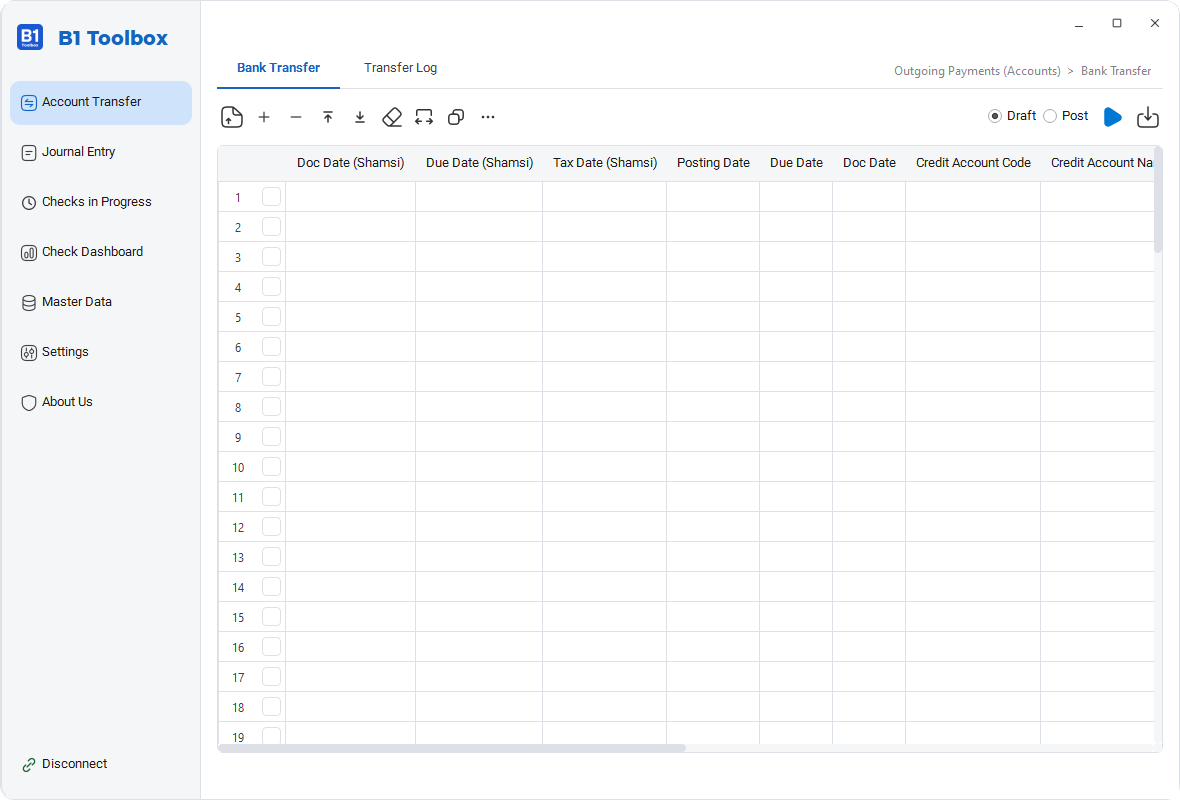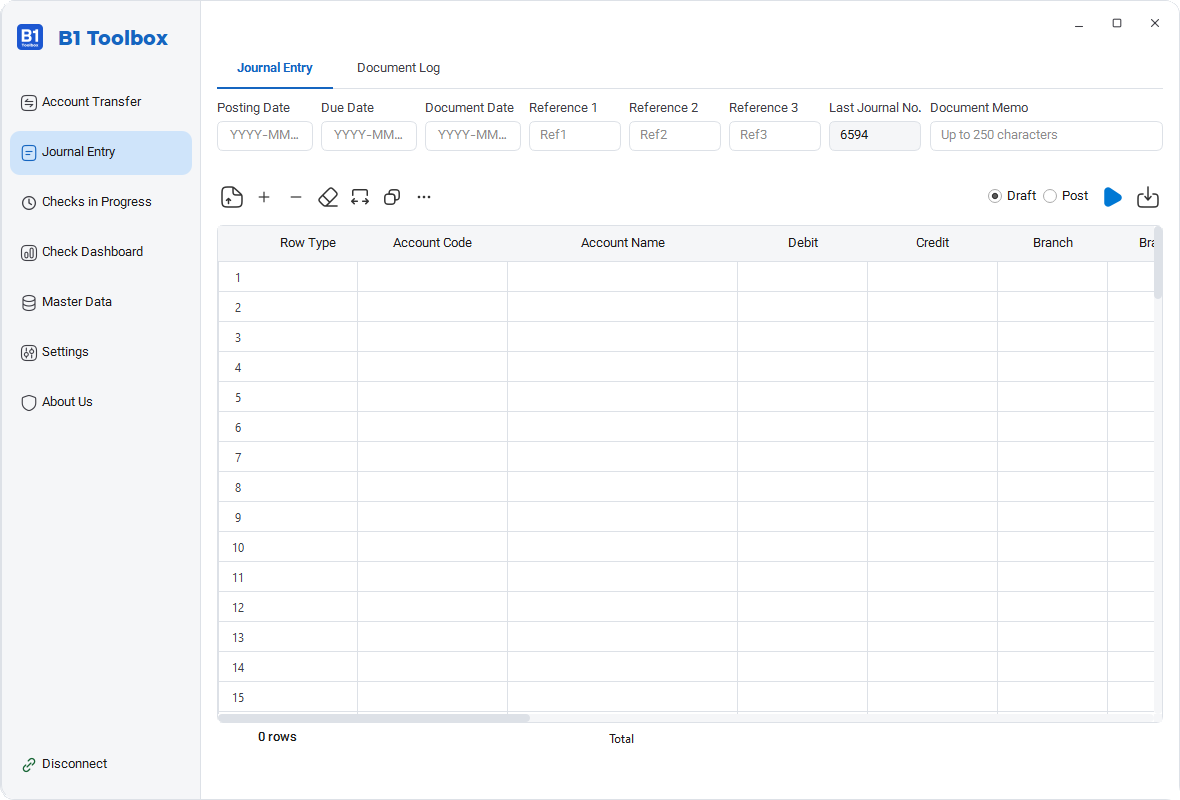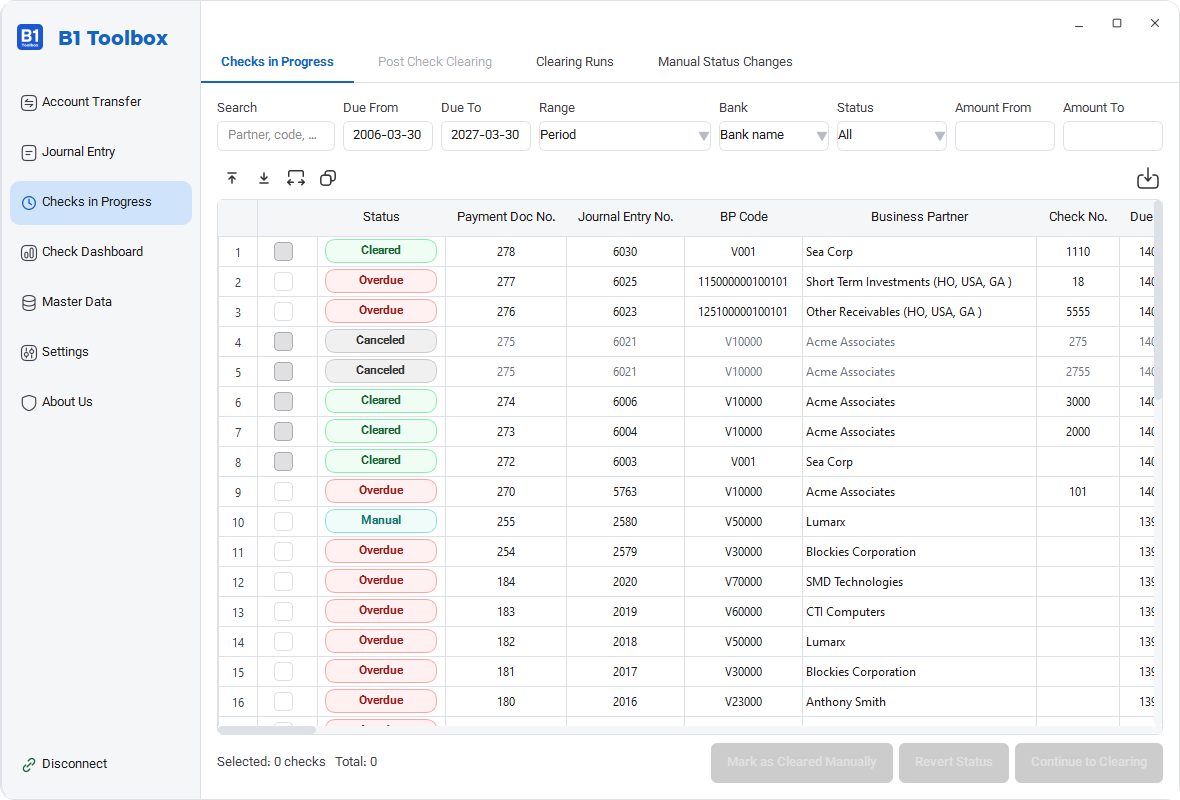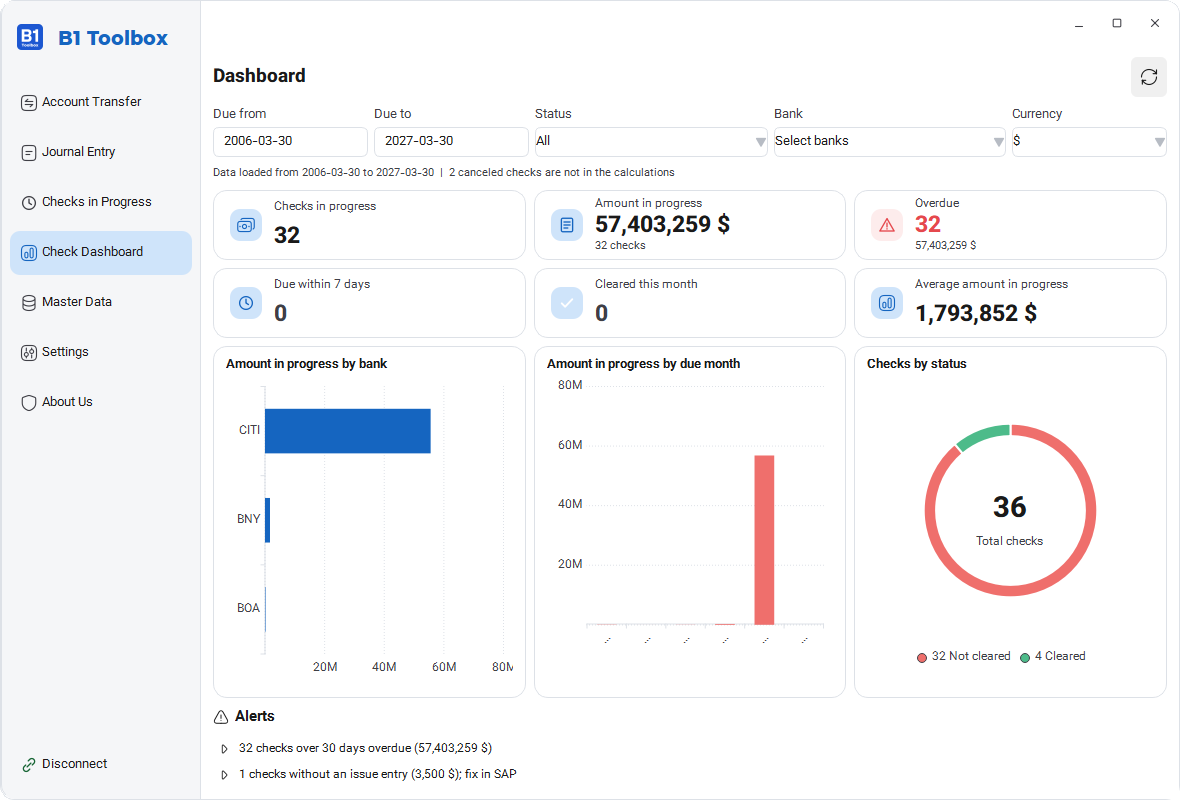
Three steps, from connecting to SAP to posting the entry.
Enter the server, company database and SAP user. The connection uses the Service Layer only, never the database directly.
Fill lines from an Excel file, manual entry or Copy/Paste. Search accounts in place. The uncleared checks list is ready.
Review, then send as a draft or final. Each row shows its result, and history stays local.
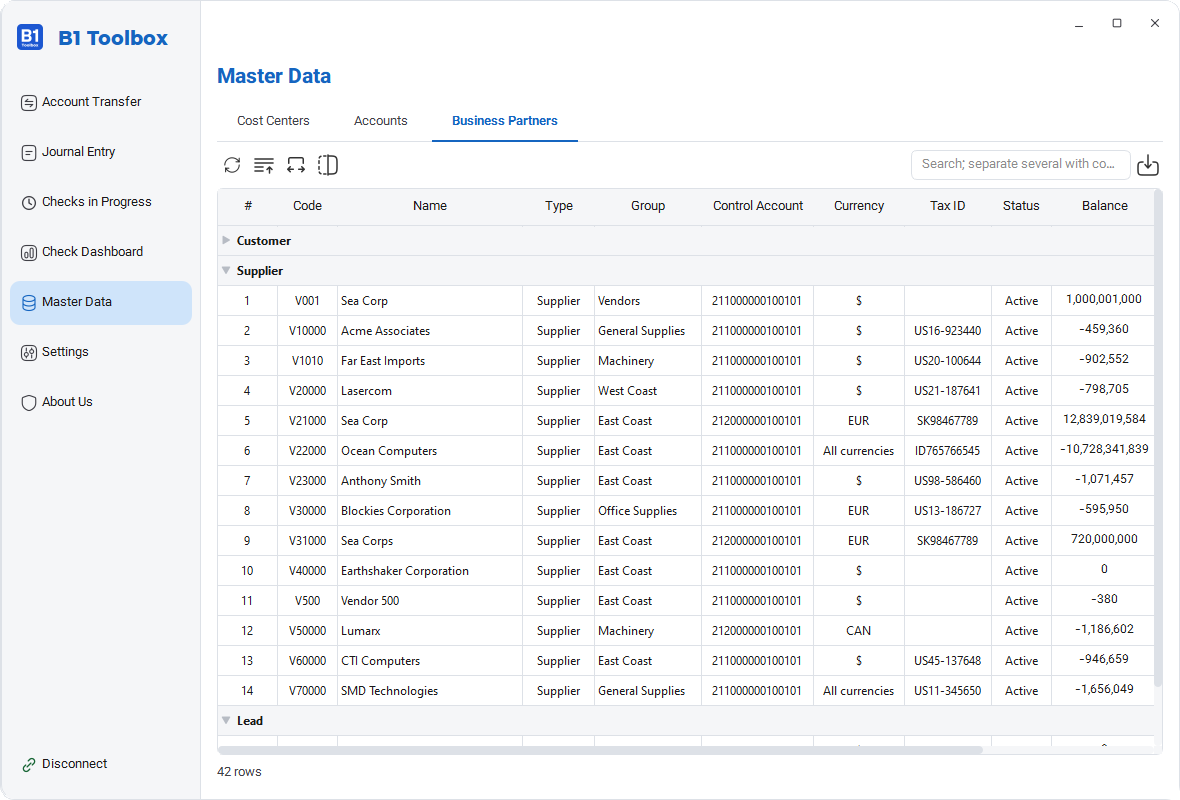
Three main areas, plus the features they all share.
A companion tool for SAP Business One
Editable transfer table. Fill it from an Excel file, manual entry or Copy/Paste.
People who post documents in SAP Business One, or set it up for clients.
Accountants who post check clearing entries by hand
People who post high-volume transfers and entries every day
Finance managers who want check status in one place
SAP Business One consultants and implementers
What the app needs on your machine.
| Operating system | Windows 10 and 11 |
|---|---|
| SAP connection | Network access to the Service Layer (v1 or v2) over HTTPS |
| SAP database | HANA and SQL Server, both tested. It makes no difference because the app talks to the Service Layer |
| User account | A regular SAP Business One user, not a database user |
| Data input | Excel file, manual data entry or Copy/Paste. The app works standalone and does not need Excel installed |
| Local storage | History of all posted documents is kept in a local database (SQLite) on the same machine. The last 10 backups are kept |
| Custom table in SAP | Optional. When enabled in settings, the app creates a UDT in SAP for checks and stores one row in it for each clearing document |
| Jalali date field (UDF) | Optional. If you have defined a date UDF in SAP, the app writes the Jalali date into it as well |
No. It talks to SAP only through the Service Layer, with a SAP user name. It does not need direct access to HANA or SQL Server.
Rows come from an Excel file, manual entry or Copy/Paste in the grid, and all of them are sent to SAP together. Journal entries, bank transfers and check clearing can all be posted as drafts or as final documents.
Incomplete or invalid rows are flagged before sending. The result of each row shows in the same grid, and one failed row does not stop the whole run. Failed rows can be exported to Excel separately, corrected and sent again.
DTW needs the input prepared in files with a fixed template that follows the SAP structure. B1 Toolbox detects columns from their headers and validates rows before sending.
You pick the check from the list of uncleared checks and the app builds the journal entry: debit the payable checks interim account, credit the bank account. Each check's history is stored in the local database and shows on the dashboard. If you enable it in settings, the app creates a UDT and stores one row in SAP for each clearing document too.
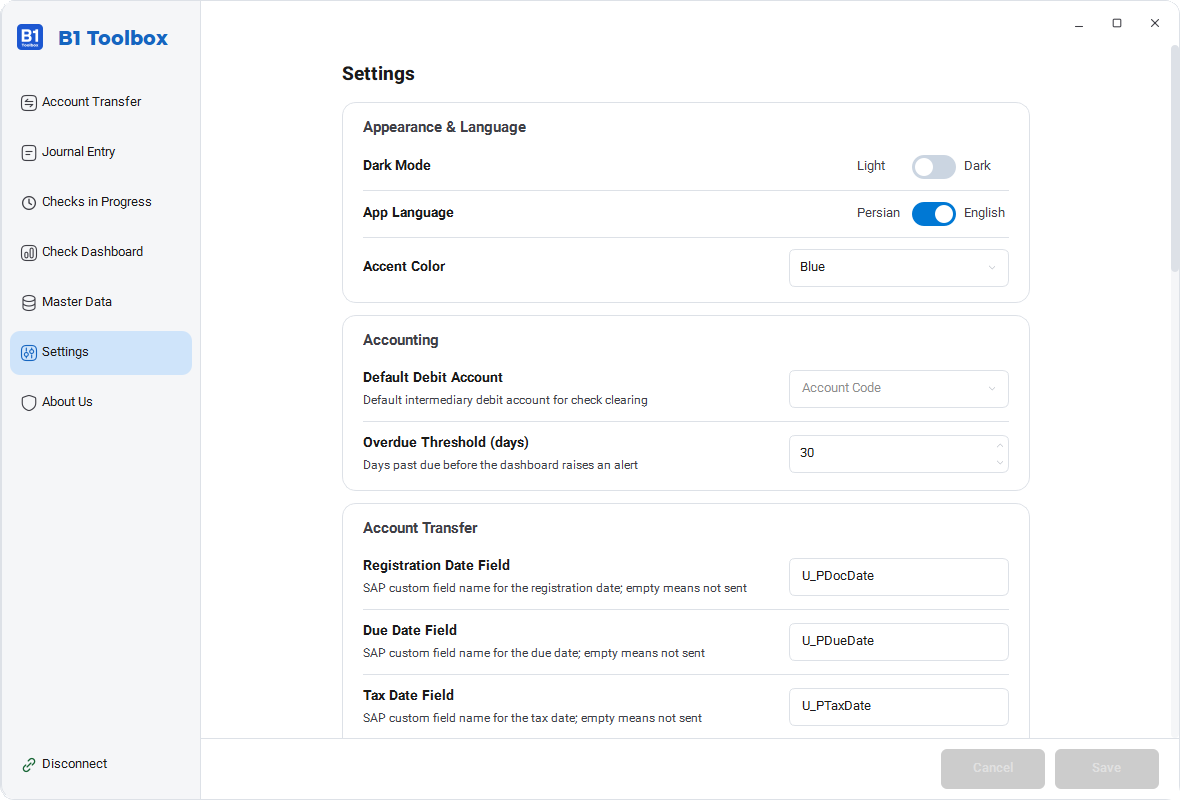
Settings, the account cache and posting history stay on this machine in data\app.db. The original document is always in SAP. The check log is always kept locally. If the UDT is enabled, one row per clearing document is stored in SAP as well.
View the demo on a sample database or on your own server